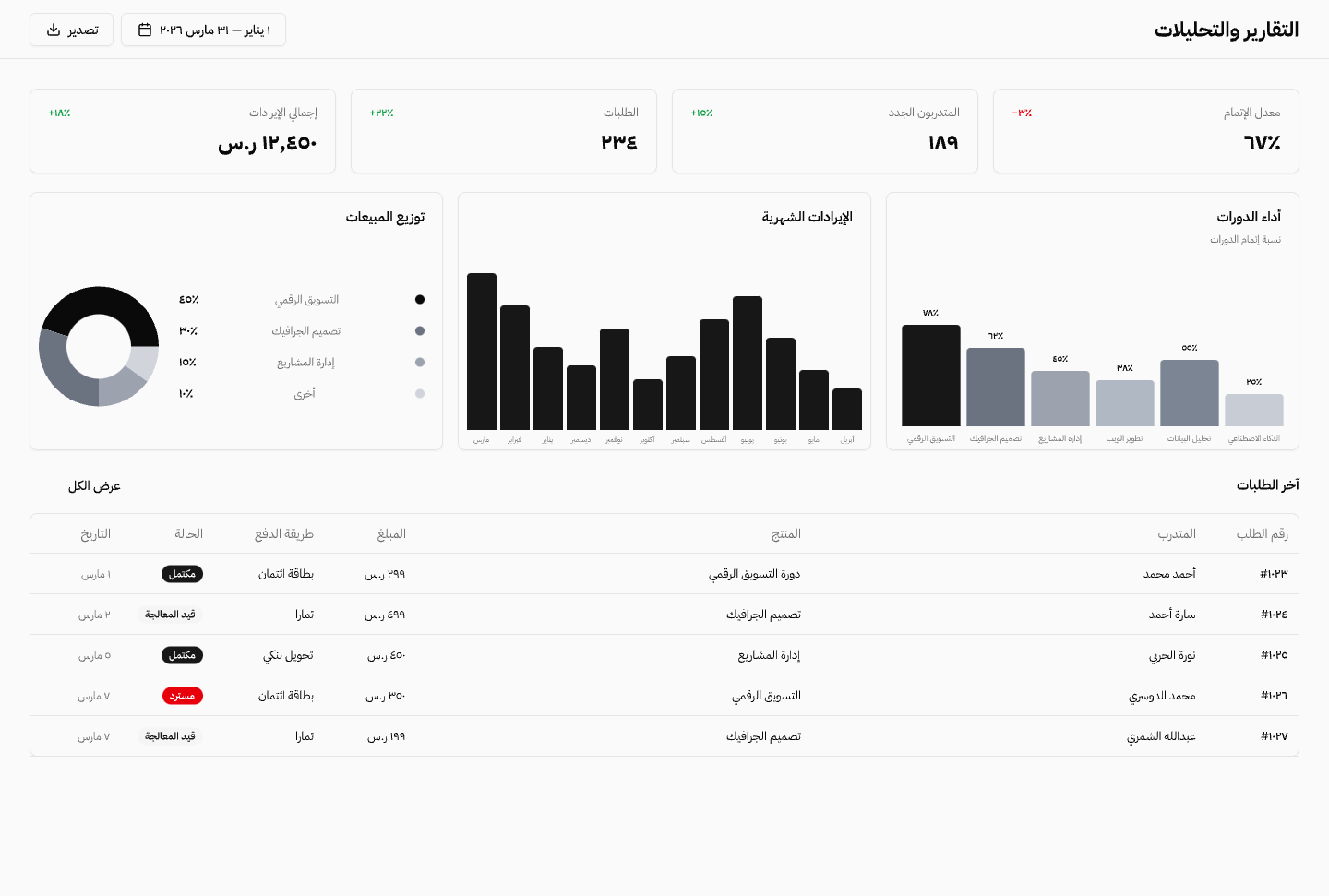
The training operation has clear controls before the first learner is enrolled: who can enter, who can manage, and what the team can report.
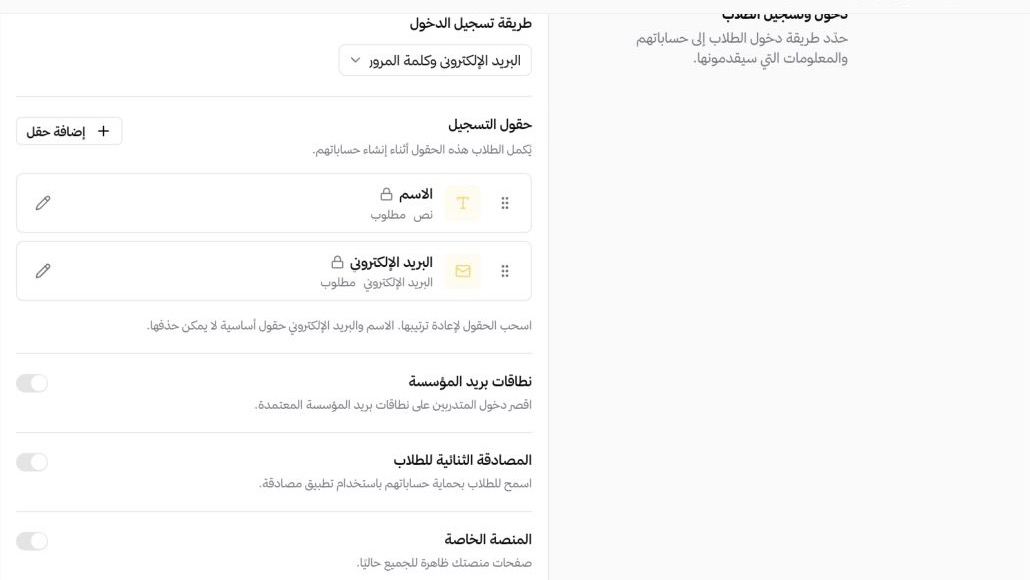
- Private platform accessThe private platform keeps academy pages behind sign-in, with registration restricted to approved company email domains.
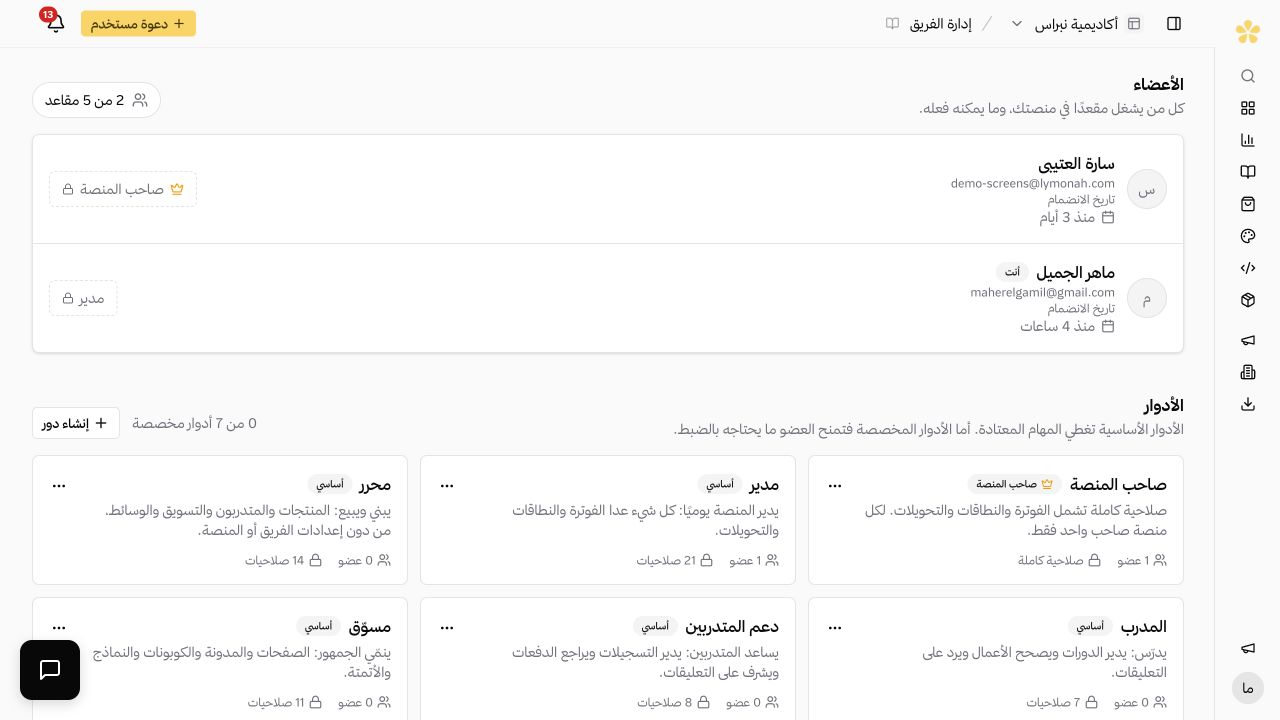
- Training-team rolesEach team member receives only the permissions needed for training, learner follow-up or reporting.
- Completion reportingProgress, course completion, assessment results and certificates are available for follow-up and export.
- Separate academiesEach client or business unit can use a separate domain, identity, learner list and reporting view.
- Ready for official requirements in Saudi ArabiaFor training centres and organizations that report to the National Center for e-Learning: learner activity is sent to its learning record store, and the verification badge appears on your platform.
- Qoyod accounting integrationEach paid order is sent to Qoyod as an invoice with its payment, while refunds are recorded as credit notes.
Training controls from access to reporting
The process starts with access settings and ends with a clear record of each learner and each cohort. No separate spreadsheet is needed for routine follow-up.
 01
01Access controlled by the institution
The institution can make the platform private, require sign-in, use the preferred login method and restrict registration to approved email domains.
 02
02Roles for the training team
The team can separate the work of trainers, learner support, marketing and workspace management through defined roles.
- 03
Progress ready for follow-up
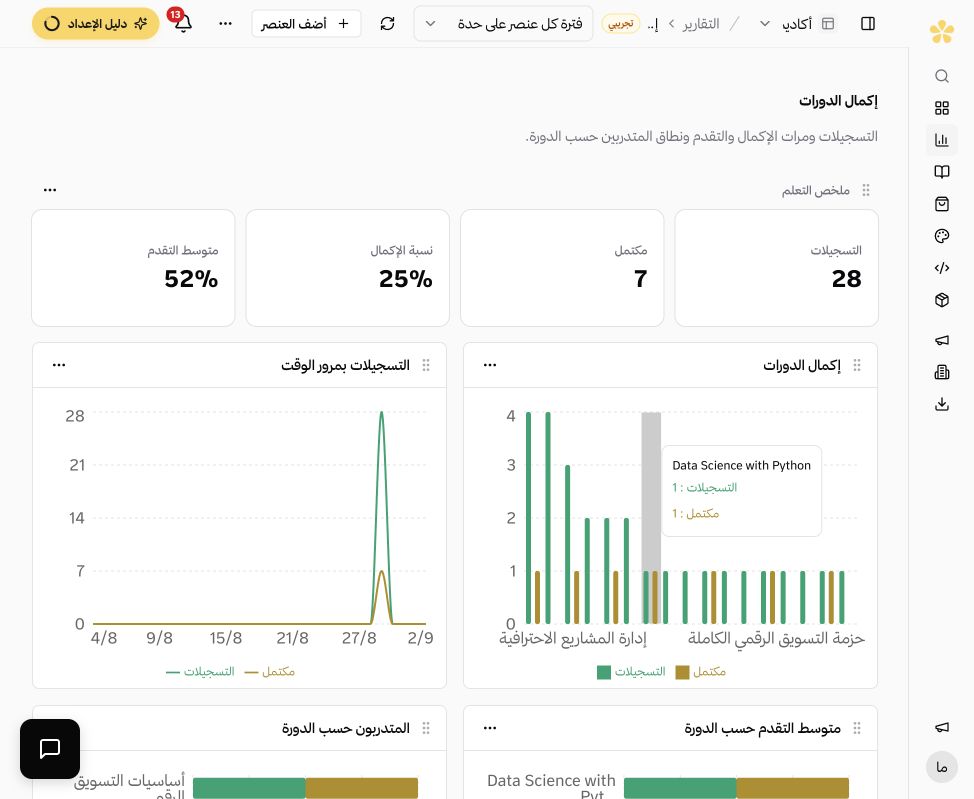
Every learner keeps an individual progress record, while the training team sees the cohort completion status in one view.
A report builder for training data
Saved reports bring learning, learner and sales data into one view. Each report can use the relevant widgets and filters, then be reviewed again or exported when the plan includes export.
- Learning, learner and sales data in one report
- Widgets and filters for the required view
- Saved reports with export options by plan
Frequently asked questions
- Can learners be limited to company email addresses?
- Yes. The academy can require sign-in and limit registration to approved email domains.
- Can the academy be private?
- Yes. Private platform access keeps academy pages behind sign-in for the approved audience.
- Does the platform support the National Center for e-Learning requirements?
- Yes. The National Center app sends learner activity to its learning record store after the organization adds its credentials, and shows the verification badge on the academy.
- Does Qoyod receive paid orders?
- Yes. Each paid order is sent to Qoyod as an invoice with its payment. Refunds are recorded as credit notes.
- Can a whole employee group receive course access?
- Yes. Learners can be imported and enrolled together, while each employee keeps an individual progress record.
- What do the reports include?
- Reports can cover course completion, learner progress, assessment results and certificates. Saved reports can also use filters and export options according to the plan.
- Can each client have a separate academy?
- Yes. A separate academy can use its own domain, identity, learners and reporting while the training material can be reused.
Explore more of the platform
Considering a move from Msaaq? Review the pricing, capabilities and documented learner walkthrough before choosing your course platform. Compare Msaaq and Lymonah
- Sell online courses
- Sell digital products
- Sell memberships and subscriptions
- An Arabic learning management system
- Build your website and its pages
- Learner communities
- For coaches and consultants
- For educators and training centres
- For creators building an audience
- How selling a course actually works
- Compare Lymonah with other platforms
- Everything the platform does
- Payment, advertising and email integrations
- See pricing