From the first payment to your bank account
Buyers pay on your platform, and you follow every payment, fee and balance from your dashboard.
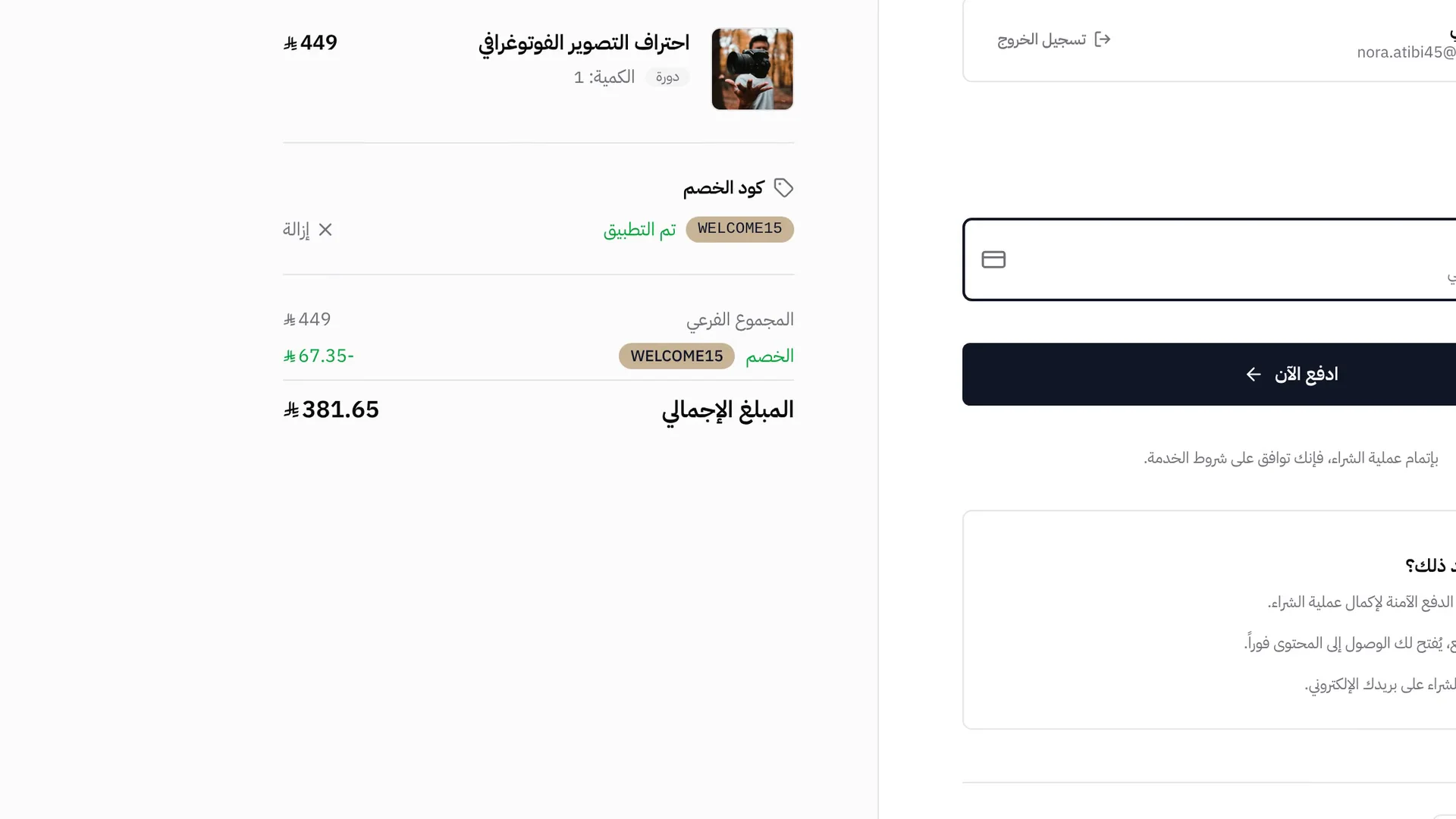
Card and Apple Pay on your checkout
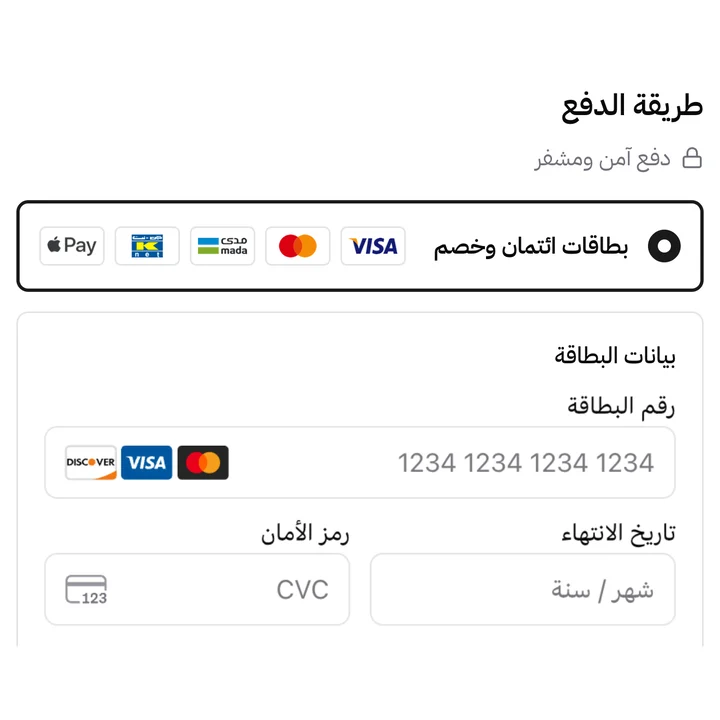
Buyers pay with mada, Visa or Mastercard on your platform’s checkout page, or with Apple Pay on supported devices. Access to the product opens as soon as the payment succeeds.
- mada, Visa and Mastercard cards
- Apple Pay, on your custom domain too
- Saved cards for signed-in buyers
- Card details entered in secure fields from the payment processor
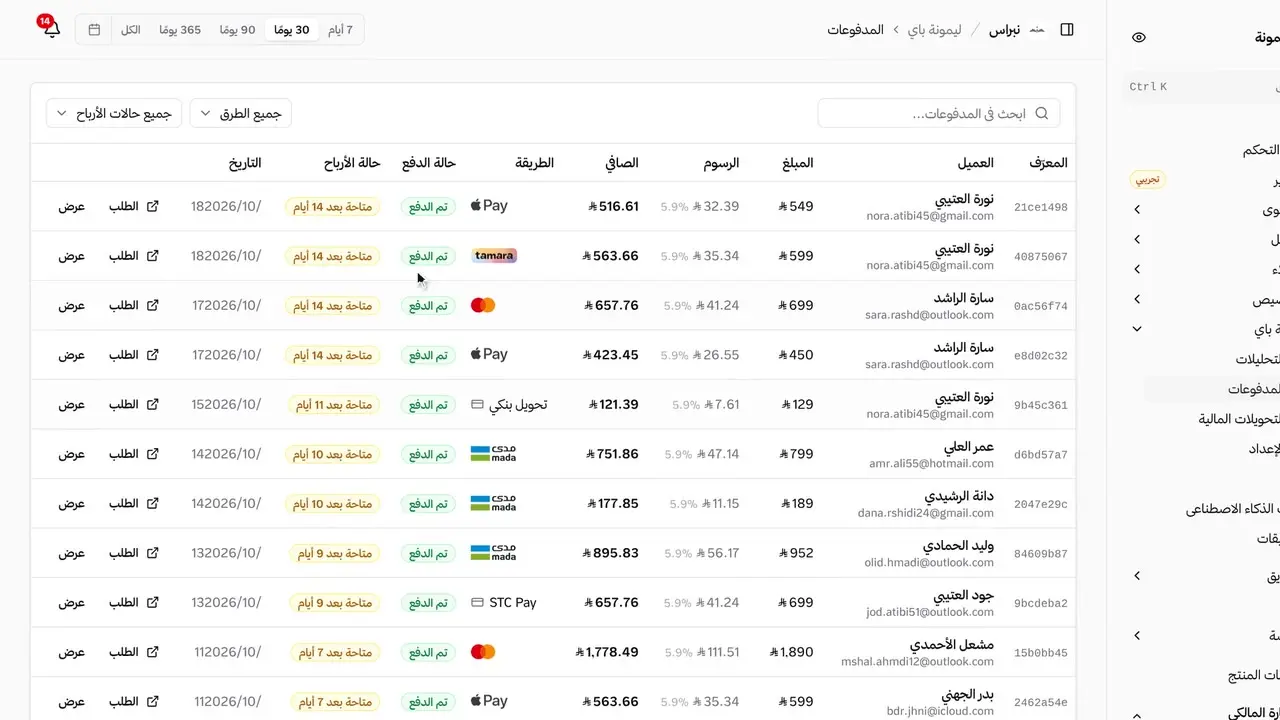
Every payment with its fees and net amount
The payments list shows each buyer, the payment method, the amount, the fees and what you keep, with the time left before the money becomes available.
- Amount, fees and net earnings on every payment
- Payment method and buyer on every row
- Time left before each payment becomes available
- Filters by payment method and earnings status
More about Lymonah Pay
Verification, payouts, refunds and currencies, handled from the same dashboard.
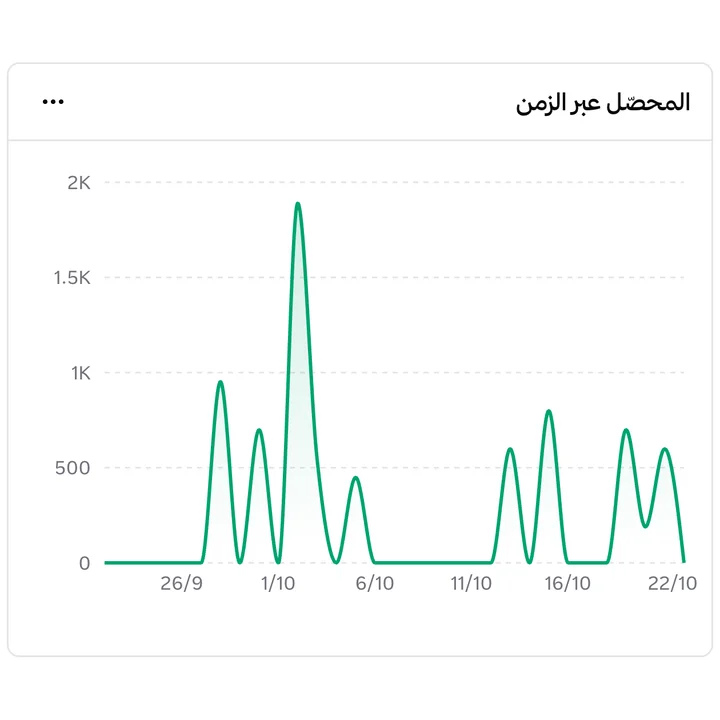
Payment analytics
A chart of what you collected over the period you pick, with the latest payments and payout requests below it.
Payouts on request
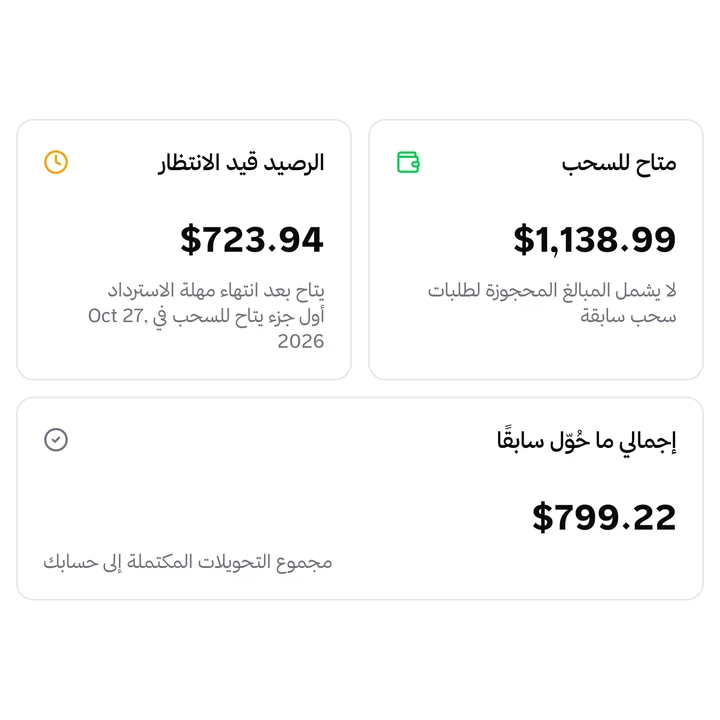
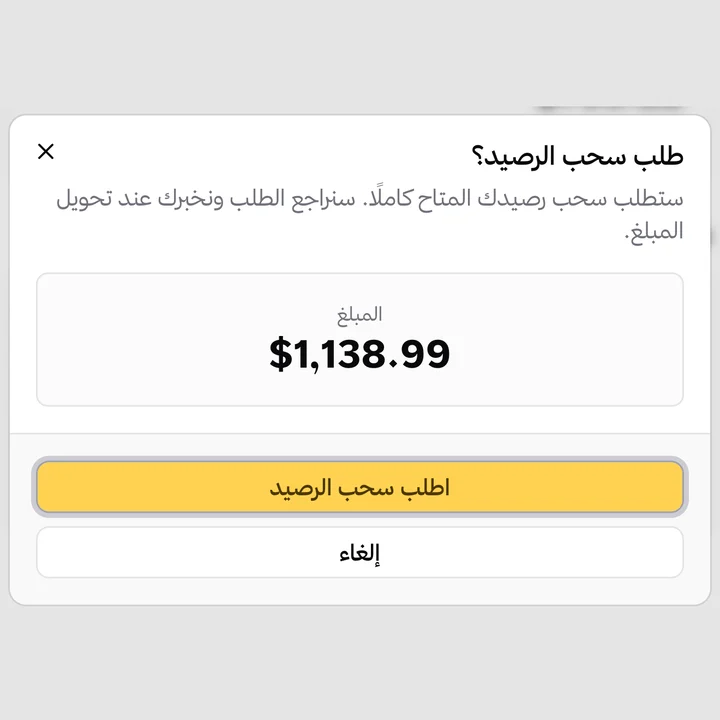
Once your bank account is verified, request a payout whenever your balance is available. Amounts still in their refund window show as held, and every request keeps its status in your payout history.
Refunds from the payment record
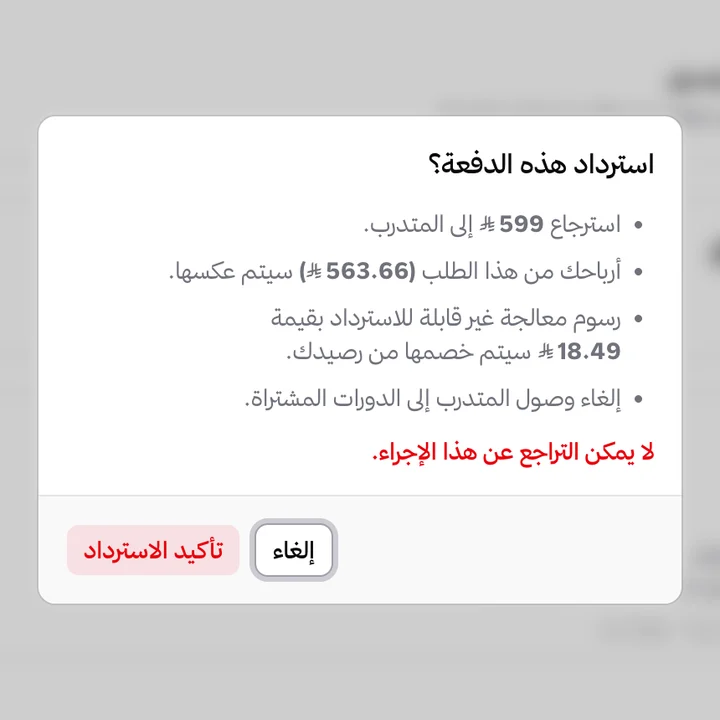
Refund a payment from its own page, and the amount returns to the buyer’s card with the refund recorded on the order.
Buyers pay in Saudi riyals
A price in Saudi riyals is charged in Saudi riyals, and the same goes for UAE dirhams, Qatari riyals and Egyptian pounds, so the buyer pays the price shown on your storefront.
Notice when a buyer disputes a payment
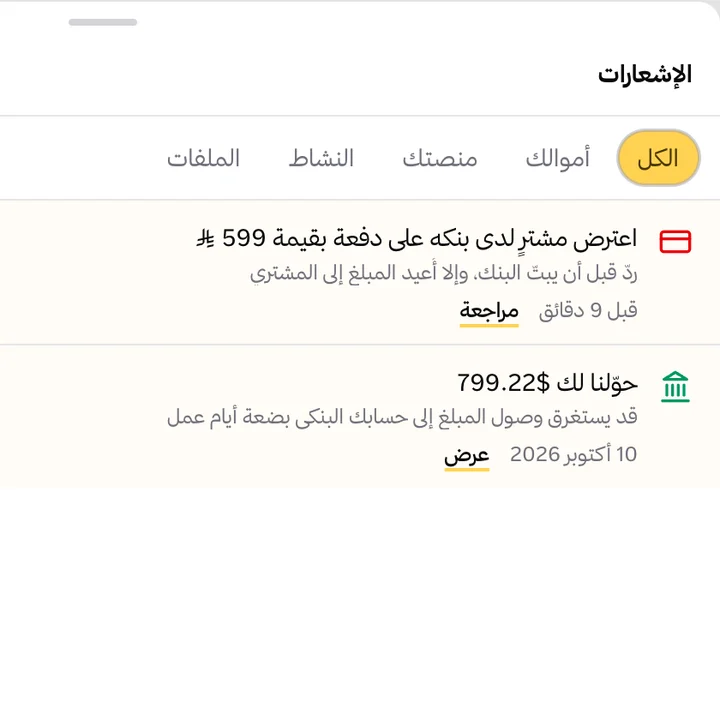
If a buyer disputes a charge with their bank, you get a notification in your dashboard and by email.
Instalments through Tamara and Tabby, next to Lymonah Pay
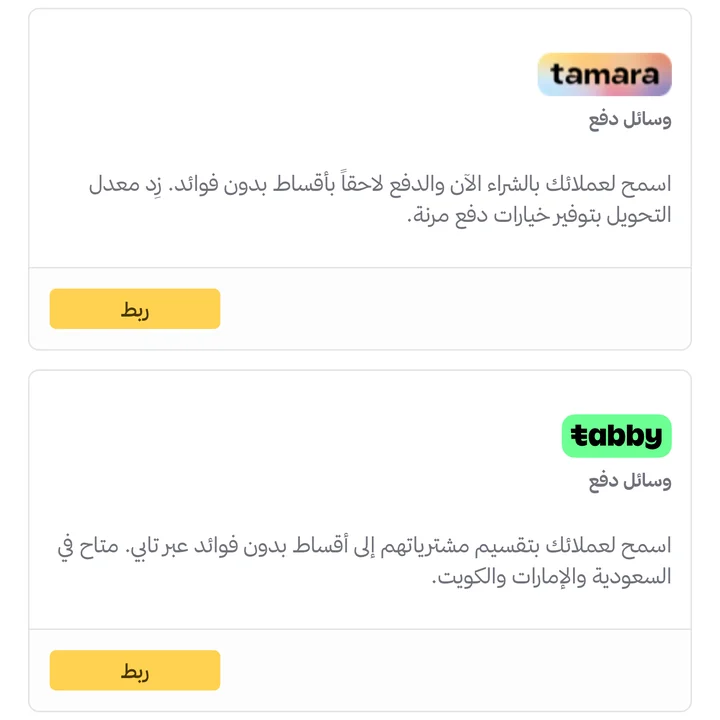
Lymonah Pay takes the full amount by card. For buyers who want to pay in instalments, connect Tamara or Tabby and they appear on the same checkout next to Lymonah Pay. PayPal can be connected too.
How to get started with Lymonah Pay
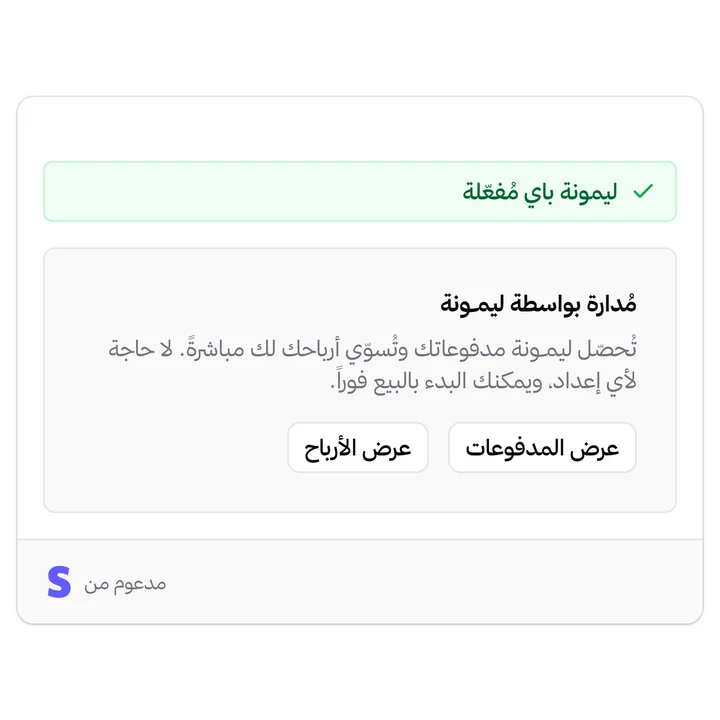
Payment gateways in Saudi Arabia usually ask for a commercial registration and a merchant contract before the first sale. Lymonah Pay accepts individuals as well as businesses: an individual verifies with a national ID, so a trainer or consultant selling under their own name can take card payments on their own platform.
Build your platform
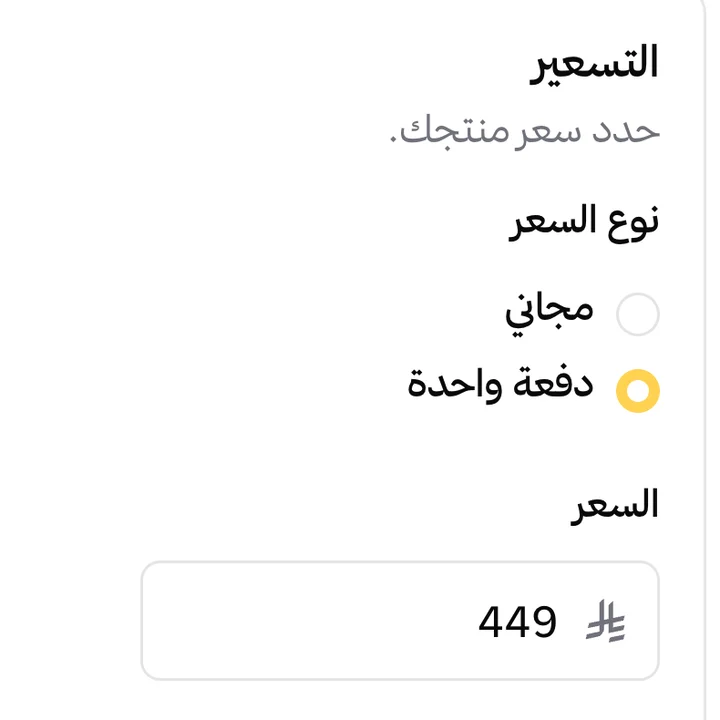
Create your platform, add your first course, product or session, and price it in Saudi riyals.
Verify your account
Send your national ID if you sell as an individual, or your commercial registration if you sell as a business, with the bank account your earnings go to. There is no gateway contract to sign.
Open your checkout
Buyers pay with mada, Visa, Mastercard or Apple Pay and get what they bought as soon as the payment succeeds.
Request your payout
Each payment becomes available once its refund window ends, and you request a payout from your dashboard.
Frequently asked questions
- What is Lymonah Pay?
- The payment service built into Lymonah. It takes card and Apple Pay payments on your platform and pays your earnings to your bank account, without a contract with a payment gateway.
- Who can use Lymonah Pay?
- Individuals and businesses. An individual verifies with a national ID, and a business with its commercial registration.
- Can I sell without a commercial registration?
- Yes. Lymonah Pay accepts individuals verified with a national ID, so you can take card payments on your platform without a commercial registration. A business verifies with its commercial registration instead.
- Can I use Lymonah Pay during the free trial?
- Yes. Lymonah Pay is how you take payments during the trial. Your own payment gateway becomes available once you subscribe to a plan.
- Which payment methods can buyers use with Lymonah Pay?
- mada, Visa and Mastercard cards, and Apple Pay on supported devices.
- How do I receive my earnings?
- Each payment becomes available after its refund window ends. You then request a payout from your dashboard to your verified bank account, and follow its status there.
- How much does Lymonah Pay cost?
- A commission on each sale at the rate shown on your plan, and higher plans carry a lower rate. The pricing page lists the rate for every plan.
- Can I refund a payment?
- Yes. Refund it from the payment’s page in your dashboard, and the amount returns to the buyer’s card. The card processing fee is not refunded and is deducted from your balance.
- Can I use my own payment gateway instead?
- Yes. StreamPay, Tap, Paylink or your own Stripe account take the place of Lymonah Pay when you connect them, while Tamara, Tabby and PayPal work alongside it. Connect any of them from the apps directory.
Explore more of the platform
- Sell online courses
- Sell digital products
- Sell memberships and subscriptions
- An Arabic learning management system
- Build your website and its pages
- Learner communities
- For coaches and consultants
- For educators and training centres
- For creators building an audience
- For organizations and corporate training teams
- How selling a course actually works
- Compare Lymonah with other platforms
- Everything the platform does
- Payment, advertising and email integrations
- See pricing